All guides
Post and grow2 min read
Make every video look on brand
Save a default look and narrator so every new video matches your channel.
Set your brandViewers subscribe to channels that feel the same every time. Channel branding saves your favourite look and voice so you do not have to pick them again.
Set your brand
- Open Channel brand under Studio in the sidebar.
- On Visual style, pick the look you want for your videos.
- On Voice, pick your narrator.
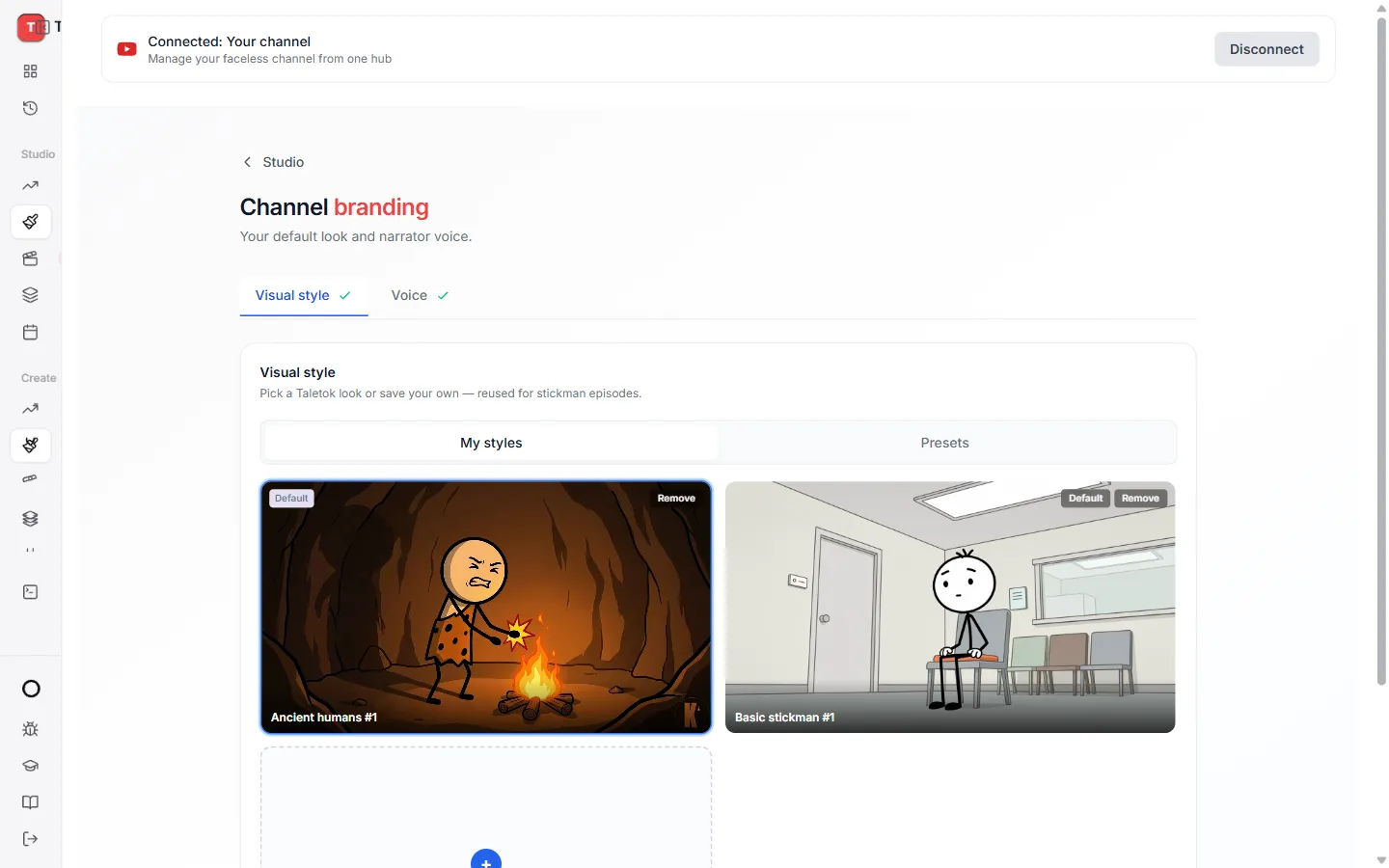
New videos start with these choices already picked. You can still change them for any single video.
Keep learning
2 min read
Connect your YouTube channel
Link your channel once to track growth and post videos straight from TaleTok.
2 min read
Schedule a finished video to YouTube
Pick a day and time and TaleTok posts your video for you.
3 min read
Autopost a series
Set up a series once and TaleTok makes and posts new videos on your schedule.
3 min read
Make your first video
Pick a format, add a script and get a finished short in a few minutes.