Post and grow2 min read
Clone a style from a video link
Paste any video or picture and TaleTok builds a look that works in every format.
Clone a styleLove the look of a video? Paste its link and TaleTok reads its frames to build a look you can use in every format.
Clone it
- Open Channel brand under Studio, or press New look when you start an episode.
- Paste a YouTube or TikTok video link, or a link to a picture.
- Press Read the style. It takes a few seconds.
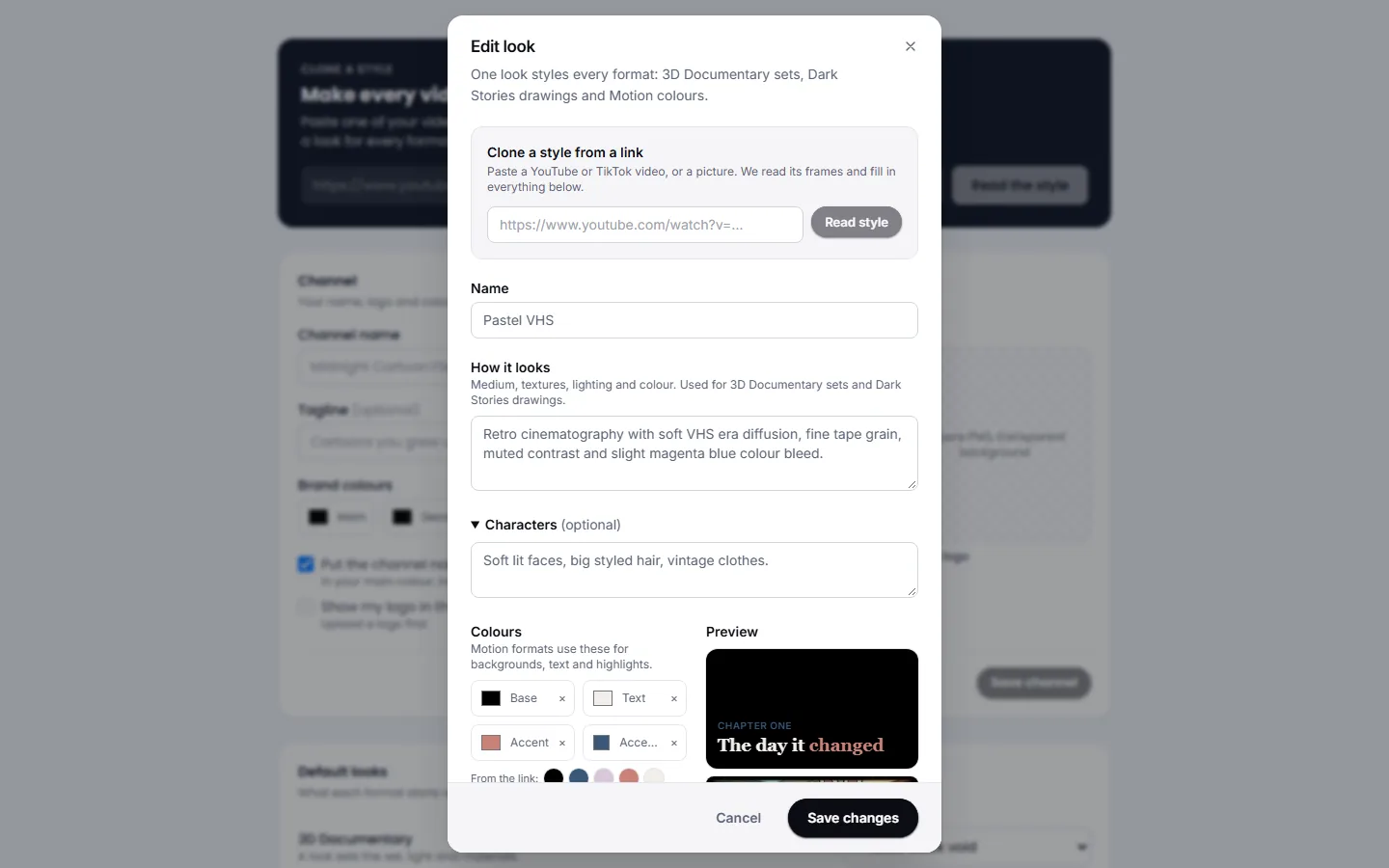
TaleTok fills in everything for you:
- How it looks. The medium, textures, lighting and colour, written for the picture models.
- Characters. How people and creatures are drawn.
- Colours and Headline font for the animated explainers.
- The closest preset for each format, shown under the preview.
Change anything you like, give it a name and press Save look.
Add a mascot
Animated explainers can show your own mascot instead of the flag hippo. Upload a picture under Mascot. A PNG with a transparent background works best.
Use it
- Pick it under Look when you start an episode.
- Or make it a default on the Brand kit tab, so every new video starts with it.
Keep learning
2 min read
Connect your YouTube channel
Link your channel once to track growth and post videos straight from TaleTok.
2 min read
Schedule a finished video to YouTube
Pick a day and time and TaleTok posts your video for you.
3 min read
Autopost a series
Set up a series once and TaleTok makes and posts new videos on your schedule.
3 min read
Make every video look on brand
Set your channel name, logo, colours, looks and narrator so every new video matches your channel.