All guides
Post and grow2 min read
Connect your YouTube channel
Link your channel once to track growth and post videos straight from TaleTok.
Open StudioConnecting YouTube lets TaleTok post your videos for you and show how your channel is growing.
How to connect
- Open Studio in the sidebar.
- Press Connect YouTube.
- Sign in with the Google account that owns your channel and allow access.
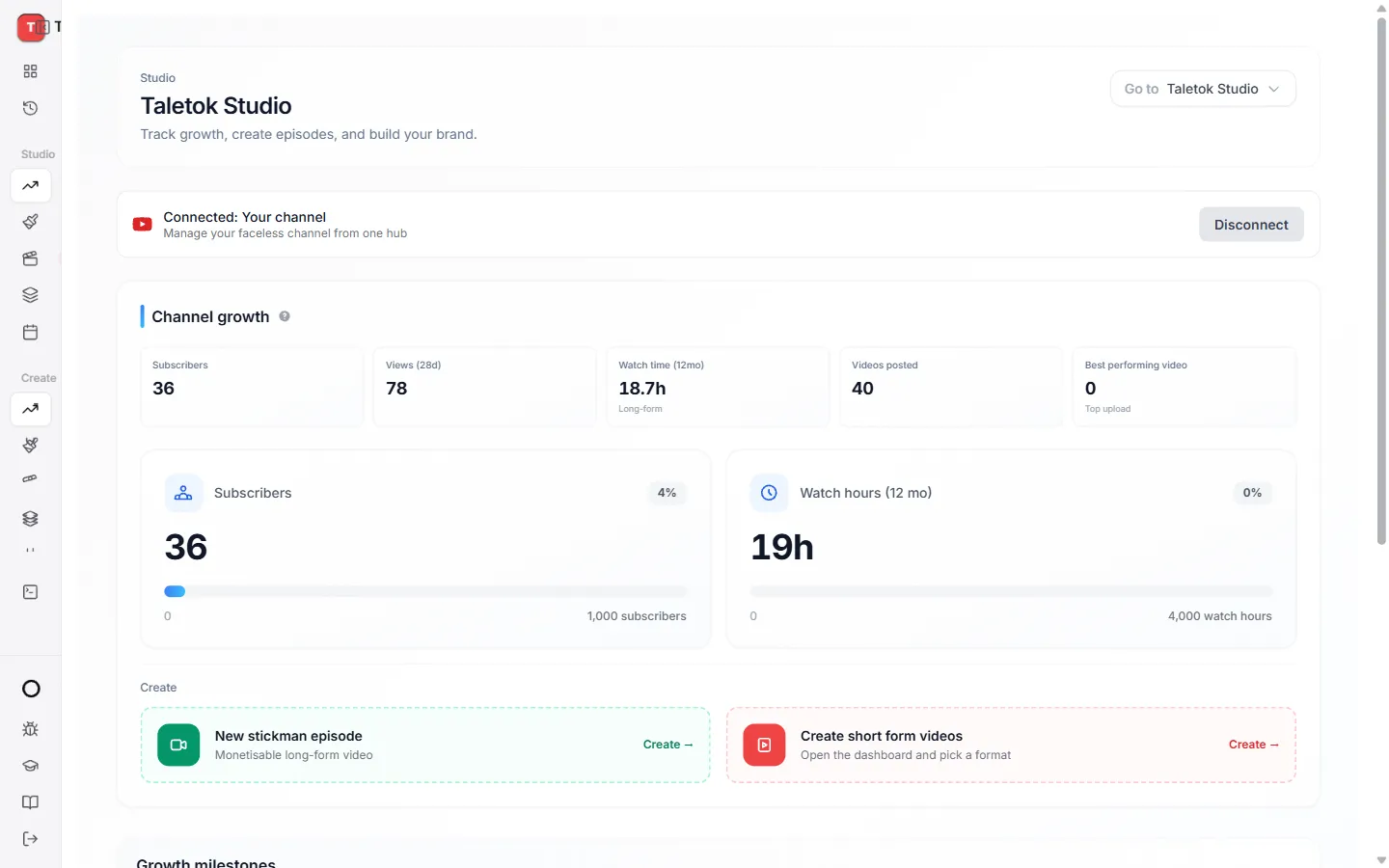
When it works you will see Connected with your channel name.
What you get
- Channel growth. Your views and subscribers in one place.
- Schedule post. Send finished videos to YouTube from any editor or from History.
- Autopost. Let a series post new videos for you on a schedule.
Want to disconnect?
Open Studio and press Disconnect. Nothing already on YouTube is changed.
Keep learning
2 min read
Schedule a finished video to YouTube
Pick a day and time and TaleTok posts your video for you.
3 min read
Autopost a series
Set up a series once and TaleTok makes and posts new videos on your schedule.
2 min read
Make every video look on brand
Save a default look and narrator so every new video matches your channel.
3 min read
Make your first video
Pick a format, add a script and get a finished short in a few minutes.