Advanced editors6 min read
Make a Zack D Films short step by step
Pick your character, check every frame and clip, then finish a cinematic 3D short.
Open Zack D FilmsThe Zack D Films editor makes 3D narrator shorts in the style of the famous channel. You stay in control the whole way. You approve the main character, every frame and every clip before the final video is made, so nothing goes out that you have not seen.
The four stages are always the same:
- Character. Pick who stars in your short.
- Frames. Check a still picture for every scene.
- Clips. Check each scene moving.
- Final. TaleTok adds the voice, music and captions.
Start a project
Open Zack D Films in the sidebar. You will see your projects and the templates.
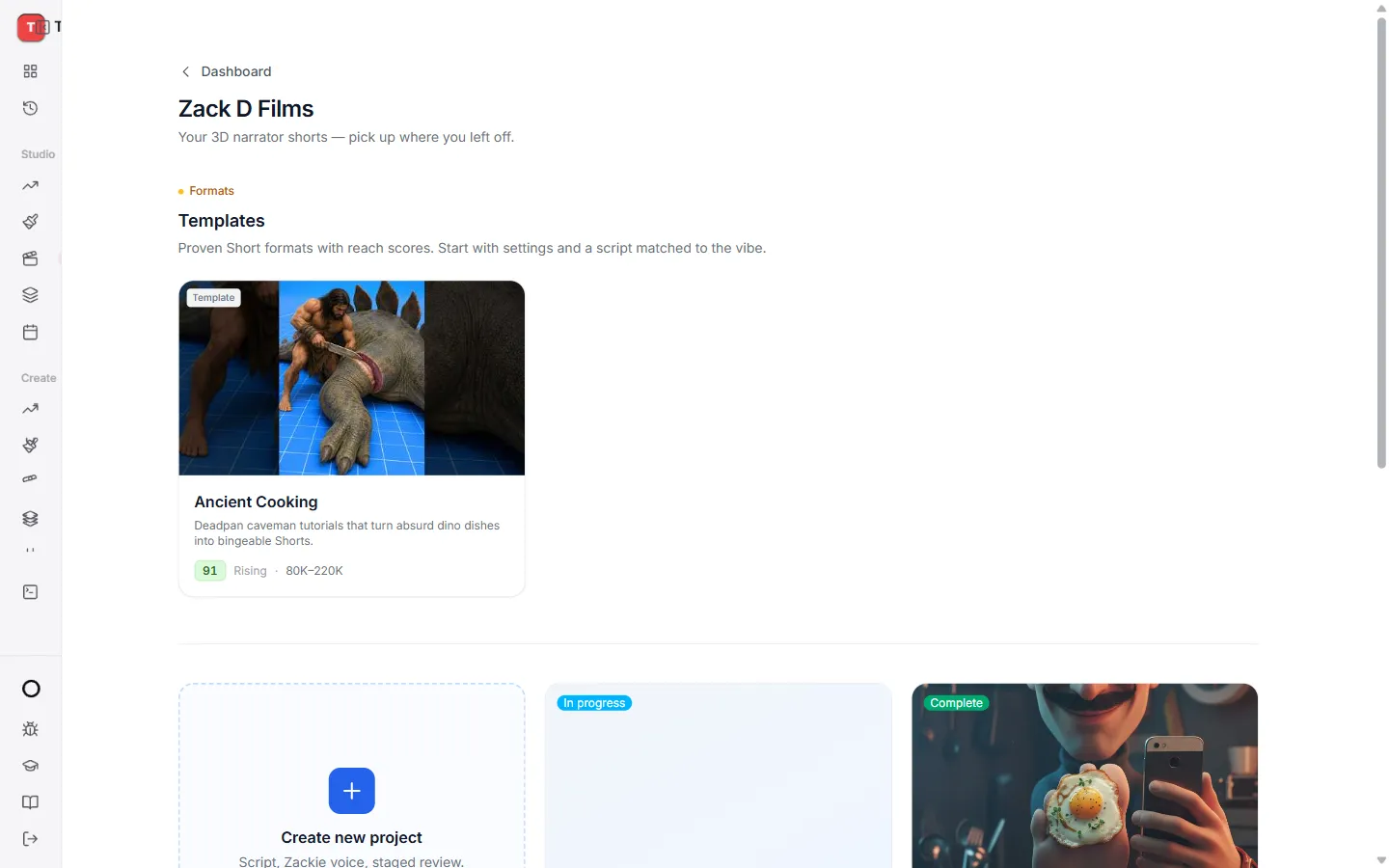
- Press Create new project to start from a blank page.
- Or open a template like Ancient Cooking and press Create with template. The template fills in the settings and helps you write a script that suits the style.
Your projects stay here with a label, so you can always pick up where you left off: Draft, In progress, Complete or Failed.
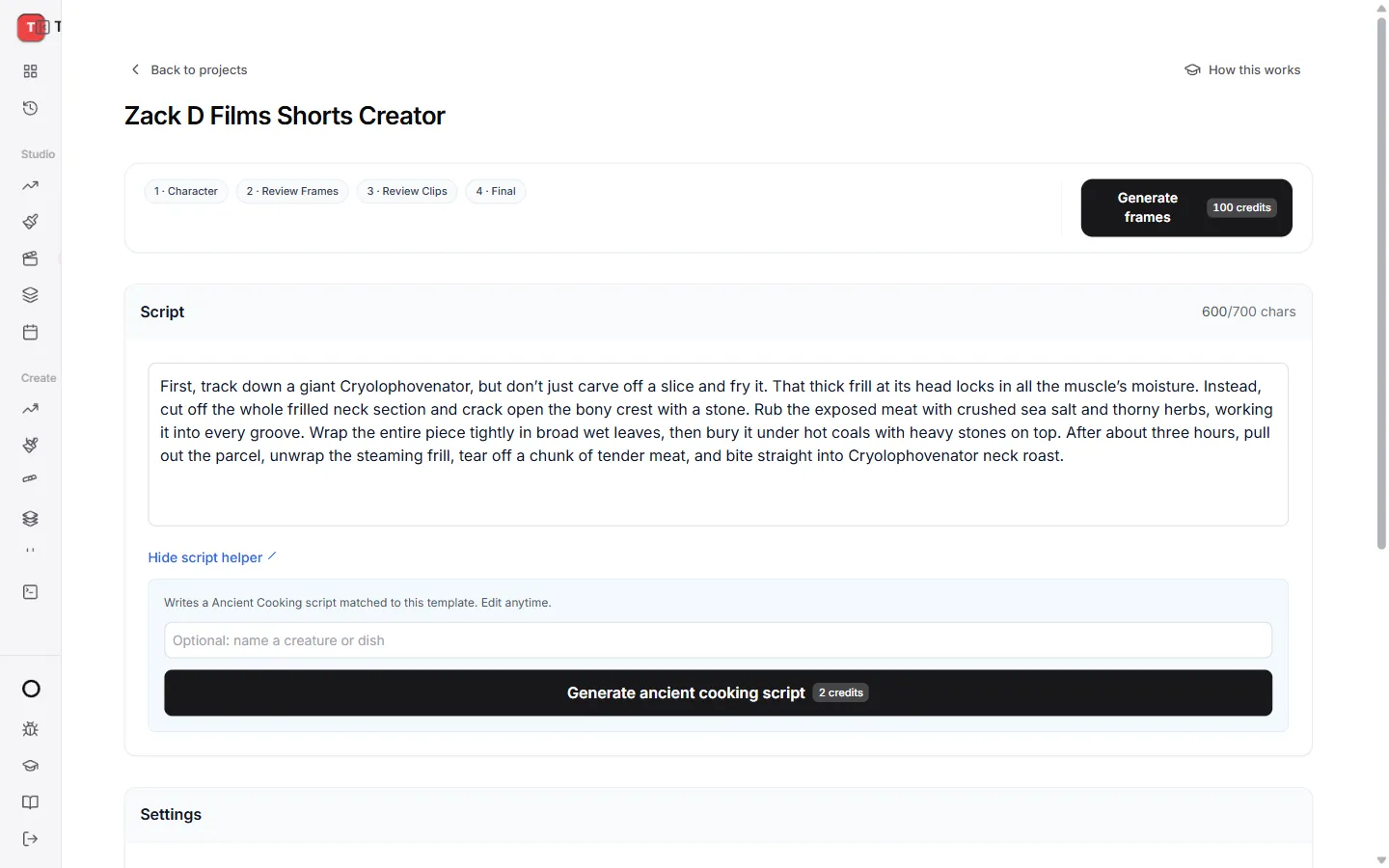
Write your script
Paste your script into the script box. The counter under it shows how much room you have left. A shorter script makes a shorter video.
Choose your settings
Under the script you can set:
- Voice. The narrator who reads your script.
- Language. The language of the voice and captions.
- Music. Pick a track, or None.
- Look. Classic or Studio.
- Quality. Low is cheaper and quicker. High looks sharper.
- Subtitles. Zack D bold, Zack D single word or None.
- Sound effects. Turn on to add sound to the action.
- Saved channel look. Reuse a character you saved before so every video on your channel matches.
When you are happy, press Generate frames at the top. The button shows how many credits the whole video will use.
Stage 1: pick your character
TaleTok creates a few options for the main character.
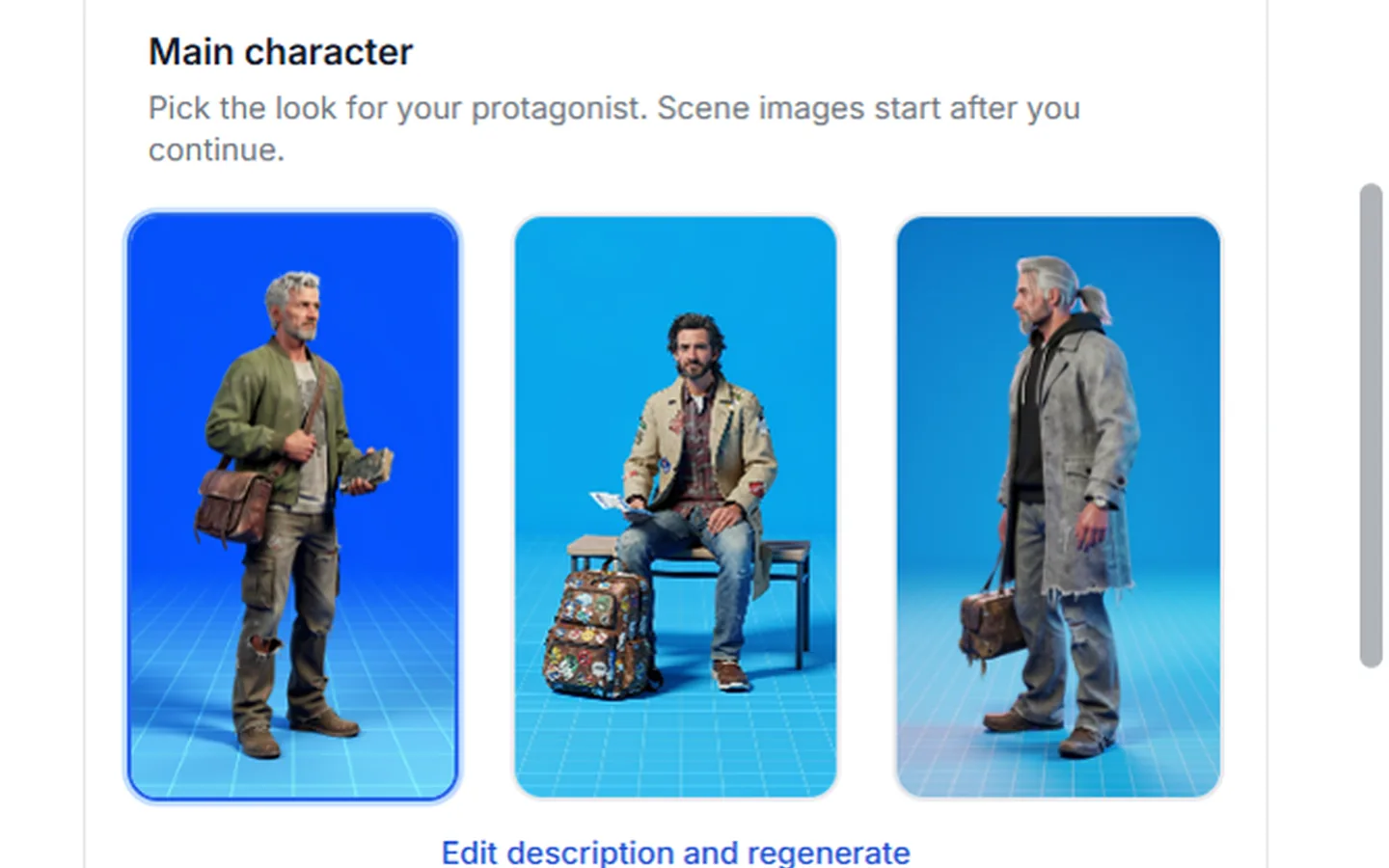
- Click the one you like best.
- Not quite right? Press Edit description and regenerate, describe what you want, then press Regenerate options.
- Want every video on your channel to use this character? Press Save as channel look.
Press Continue when you are happy.
Stage 2: check your frames
You now see one picture for every scene of your script. Take your time here. Fixing a picture is much cheaper than fixing a clip.
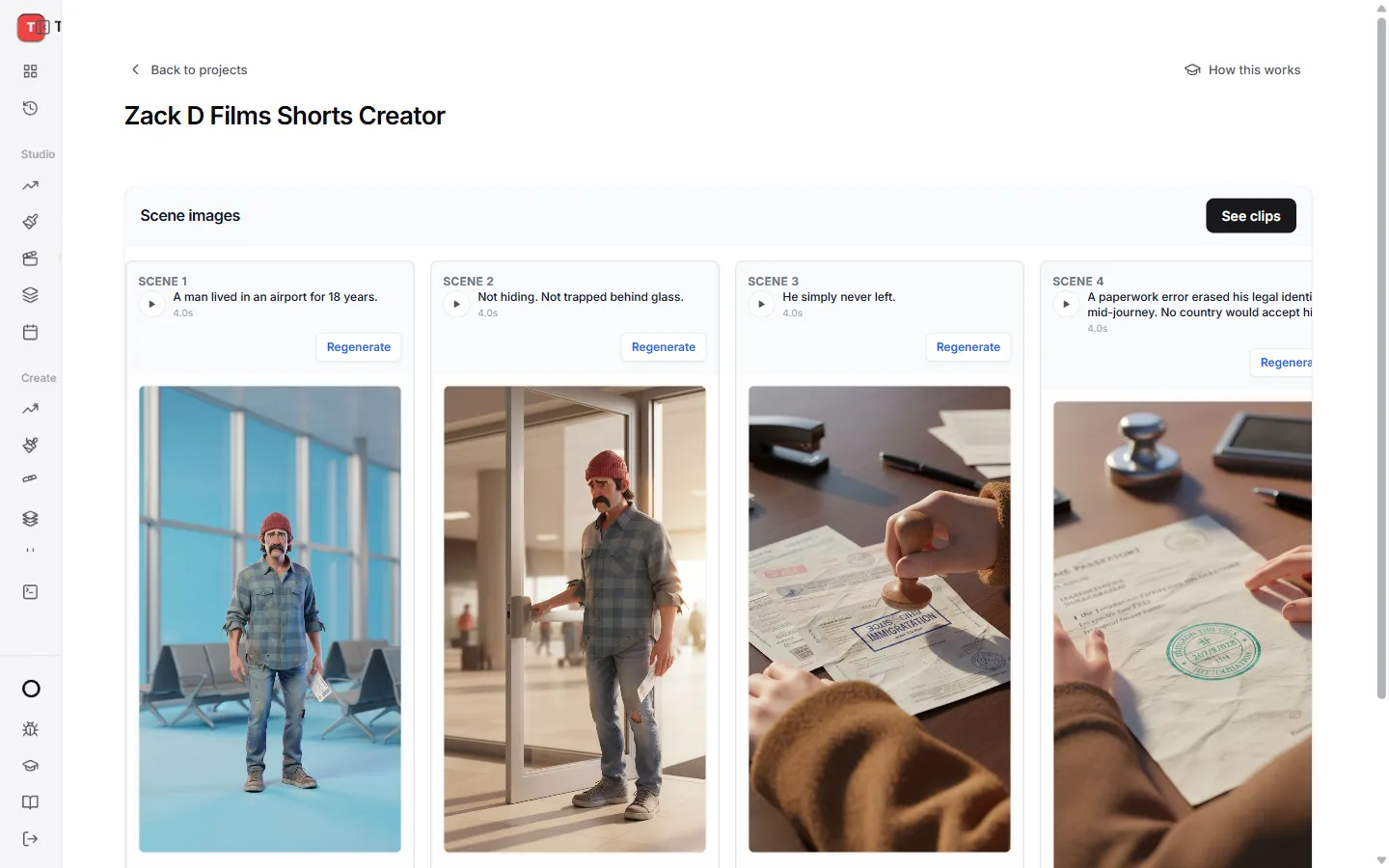
To change one picture:
- Press Regenerate on that scene.
- Change the words in Edit prompt to describe what you want to see.
- Press Regenerate. The button shows the credits it will use.
When every frame looks right, press Create clips. Came back here from your clips? The button says See clips and takes you straight back to them for free.
Stage 3: check your clips
Each frame is now turned into a short moving clip. Press play on any scene to watch it.
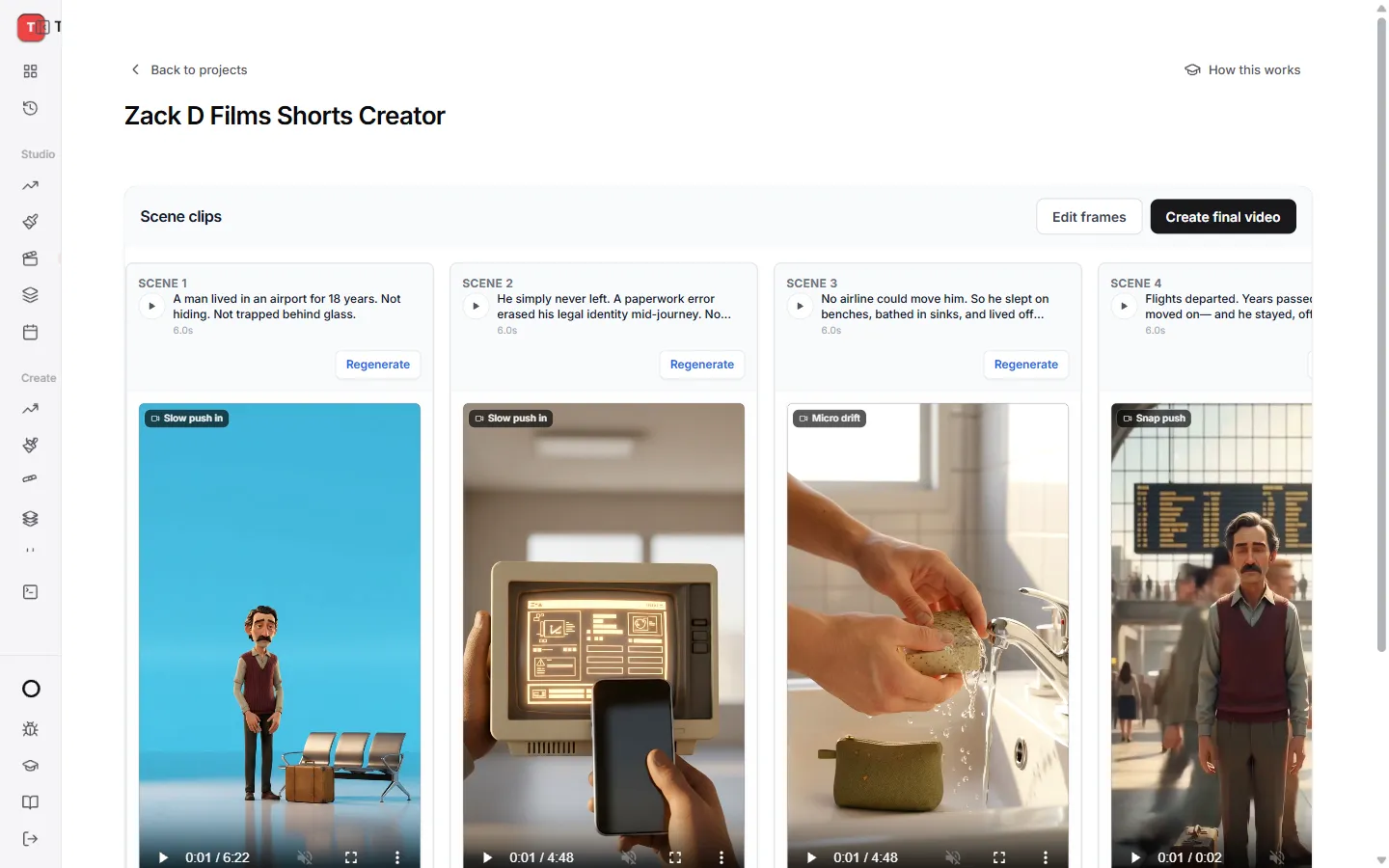
- To redo one clip, press Regenerate on it, change the prompt if you want, and press Regenerate again.
- Need to go back and change a picture? Press Edit frames. Your clips are kept.
- Open Camera moves under the clips to see every move a scene can use. Tap a card to watch it up close.
When every clip looks good, press Create final video.
Stage 4: your finished video
TaleTok puts it all together with the voice, music and captions. This usually takes a few minutes. You can leave the page and come back.
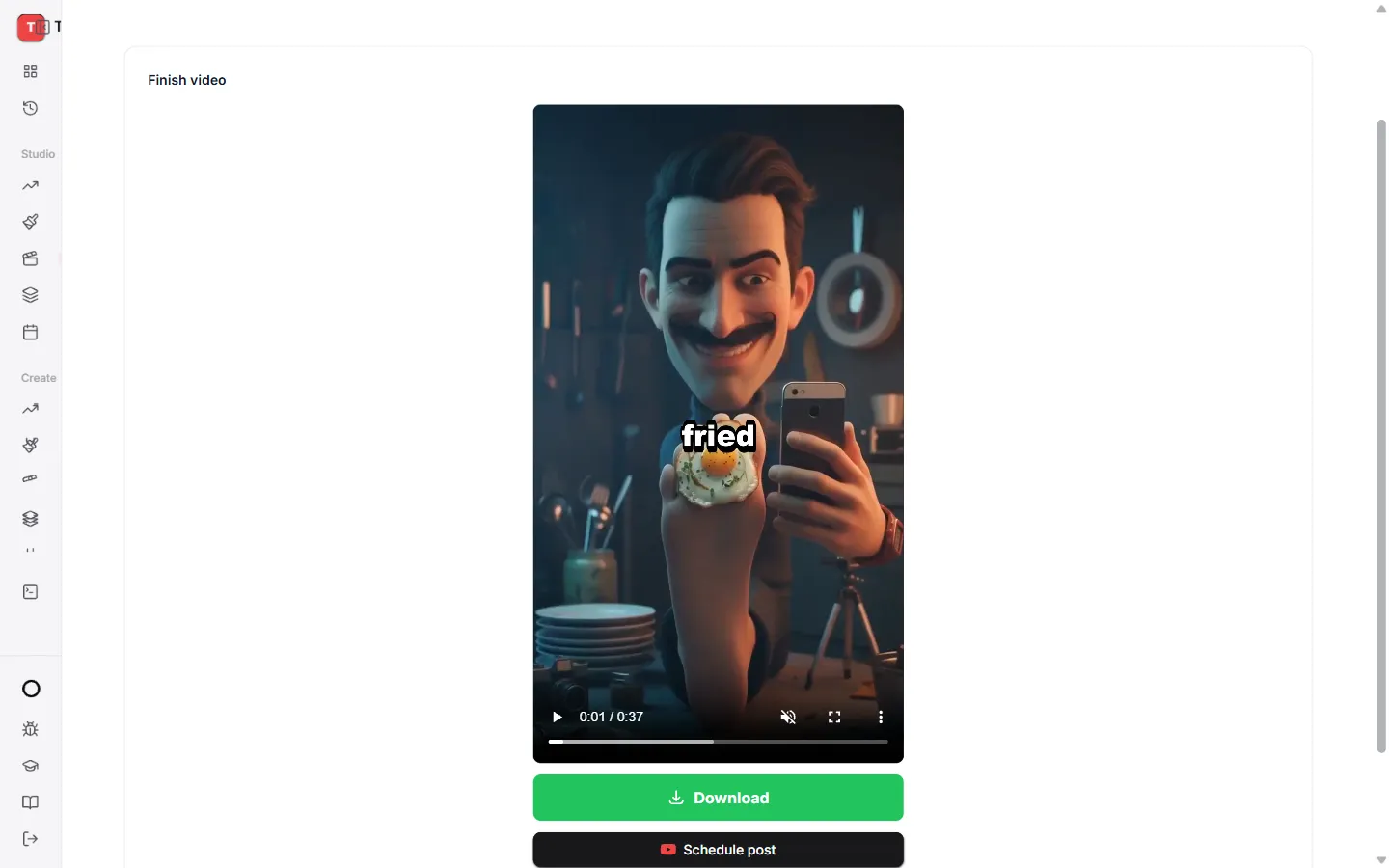
When it is ready:
- Press Download to save it.
- Press Schedule post to send it to YouTube at the time you choose.
Start over
Want a fresh try with different settings? Press Start over at the bottom of the editor. Your project stays, and the settings unlock again.
Quick answers
Can I leave while it works? Yes. Come back to the Zack D Films page and open the project. It picks up where it was.
Why does a scene look odd? Describe it more simply in Edit prompt. One clear action per scene works best.
Keep learning
5 min read
Make an AI Short step by step
Write a script, pick a look and a voice, then check every scene before the short is made.
6 min read
Review and finish your episode
Check the plan, approve every picture and finish a long video that is ready to post.
2 min read
Change one scene without starting over
Fix a single picture or clip in any editor and keep everything else.
2 min read
Connect your YouTube channel
Link your channel once to track growth and post videos straight from TaleTok.