TaleTok Academy
Learn TaleTok in minutes
Short guides with real screens. Make your first video, fix any scene, and keep your channel posting.
Getting started
Your first video and how credits work.
Advanced editors
Check every scene and fix anything before it becomes a video.
5 min read
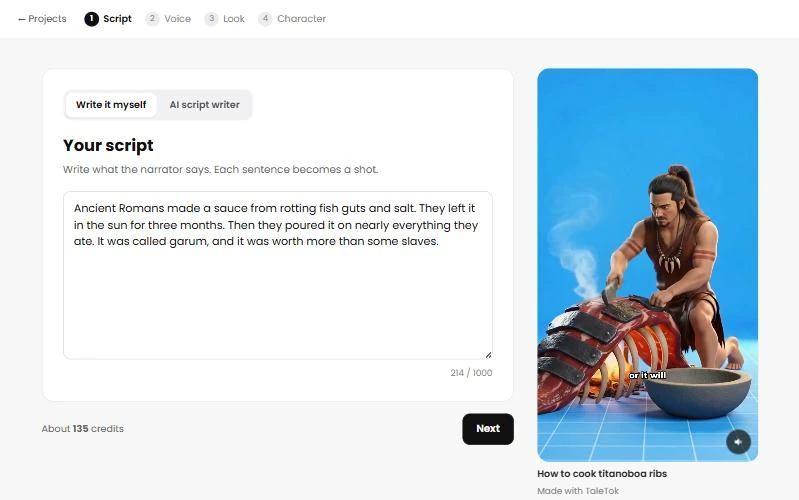
Make a Zack D Films short step by step
Write a script, pick a voice, a look and your main character, then fine tune any shot in the editor.
5 min read
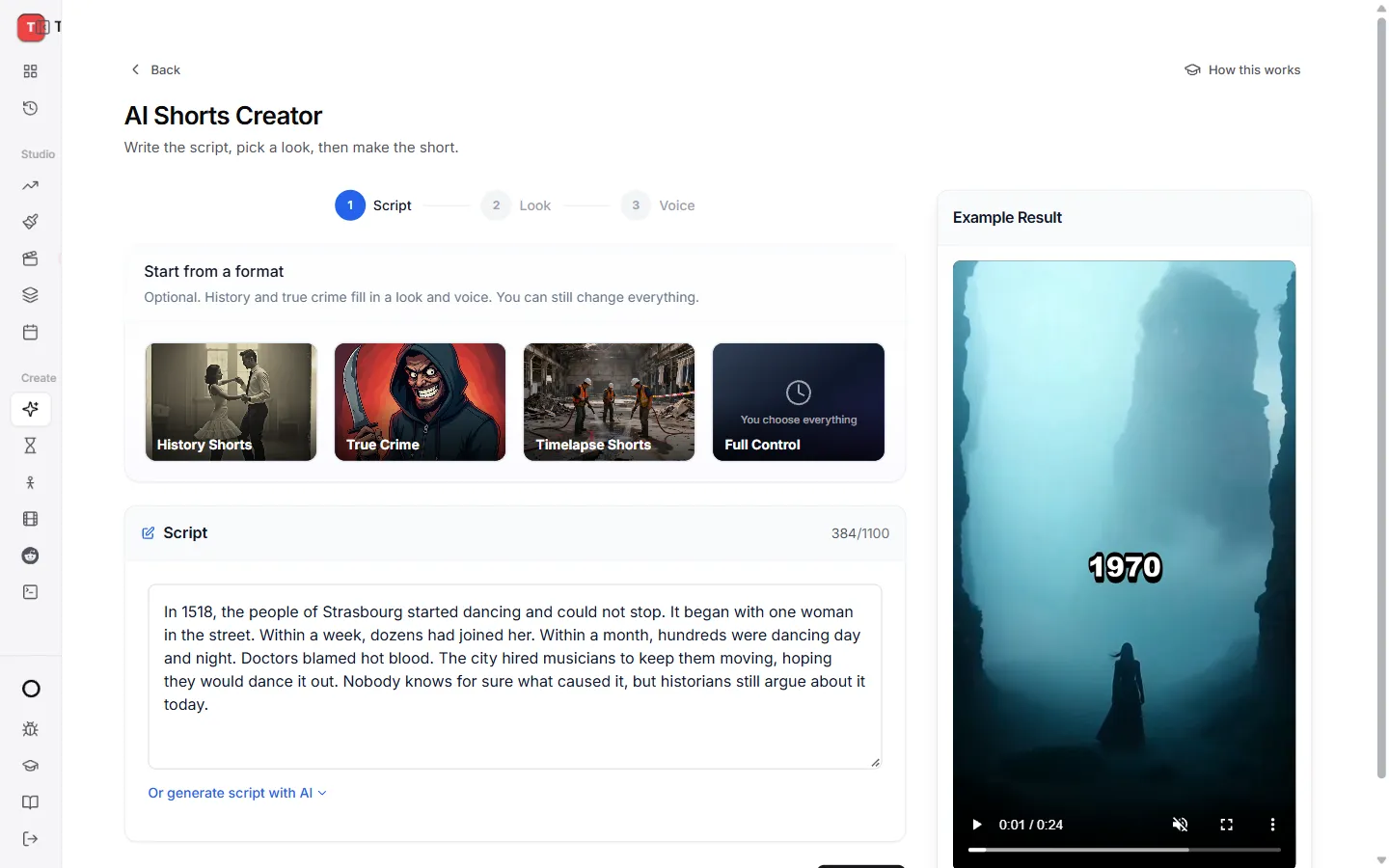
Make an AI Short step by step
Write a script, pick a look and a voice, then let TaleTok make it or check every scene first.
5 min read
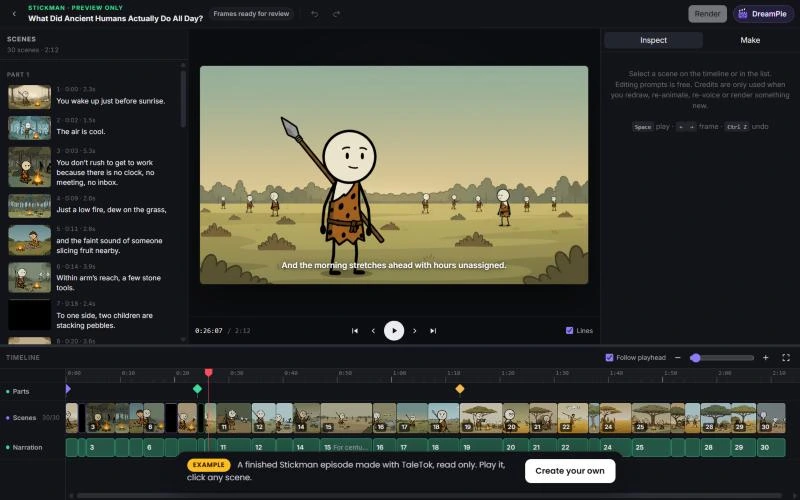
Review and finish your episode
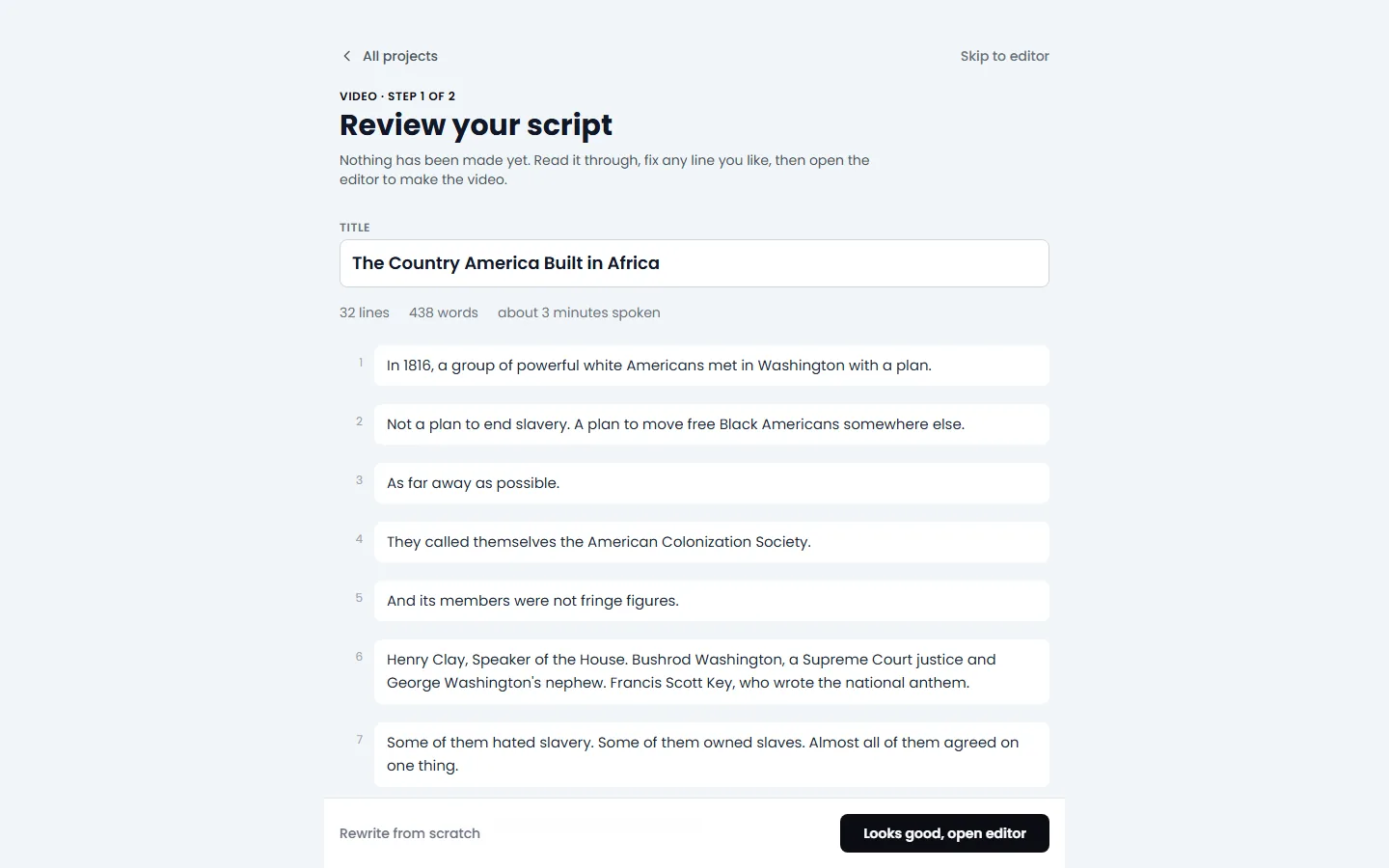
Watch your free first ten seconds, build the episode, approve every picture and render a long video ready to post.
4 min read
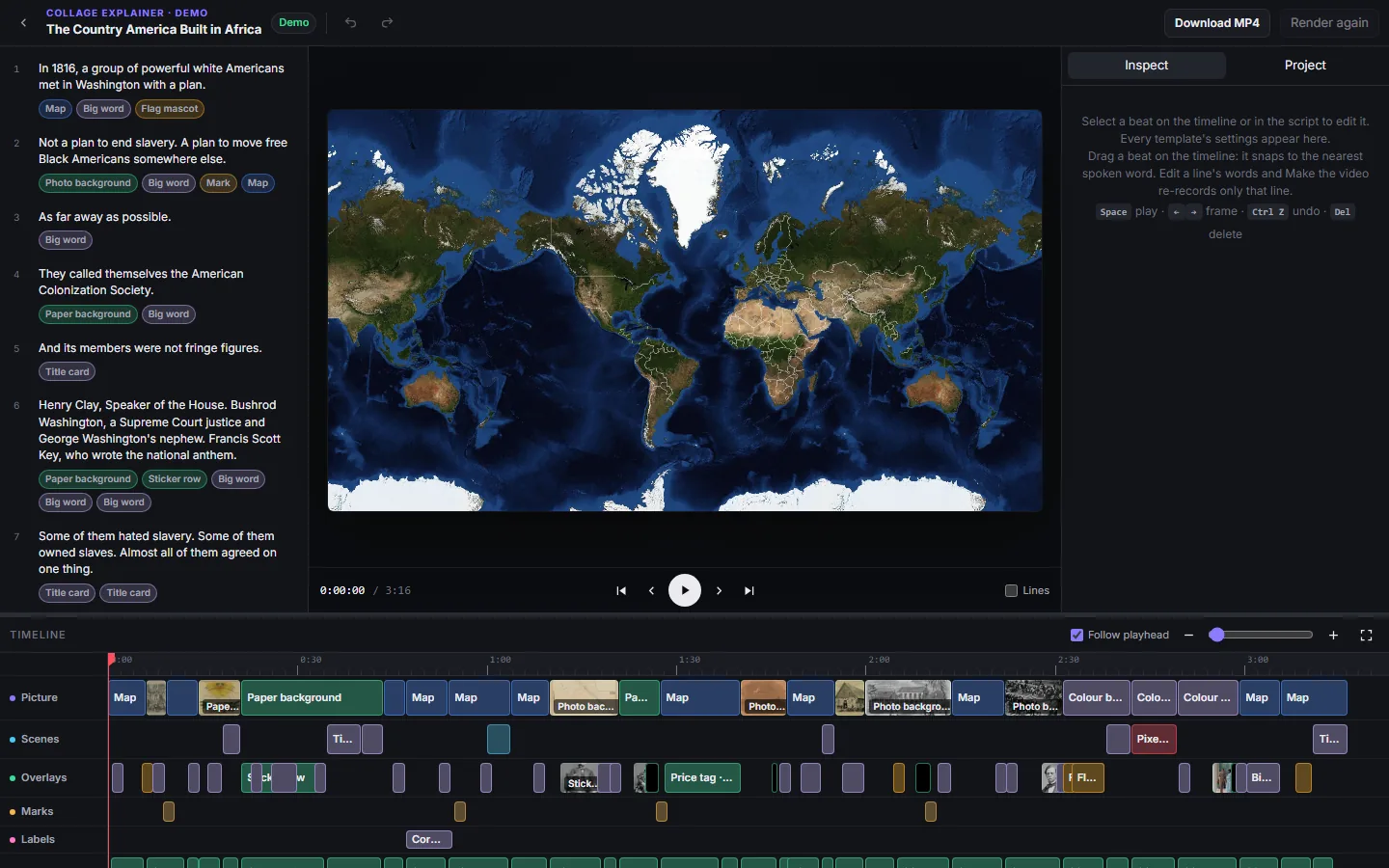
Make a Dark Story, 3D Documentary or explainer
Create everything in one click, change any scene, then render and download your episode.
2 min read
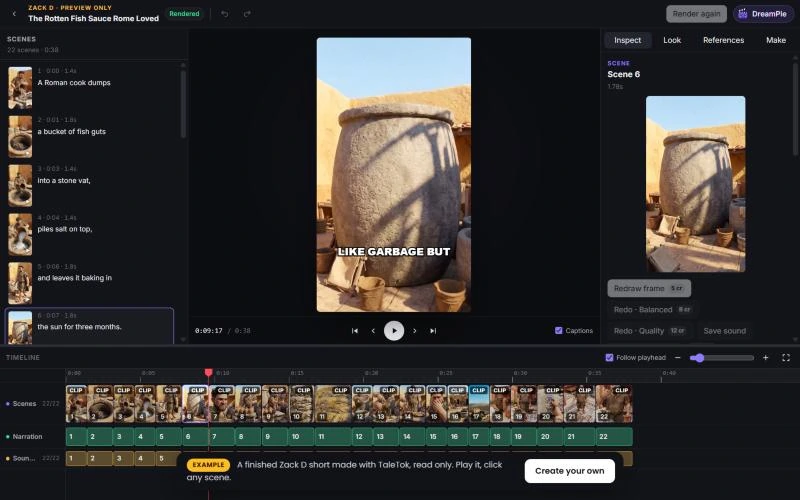
Change one scene without starting over
Fix a single picture or clip in any editor and keep everything else.
Studio and episodes
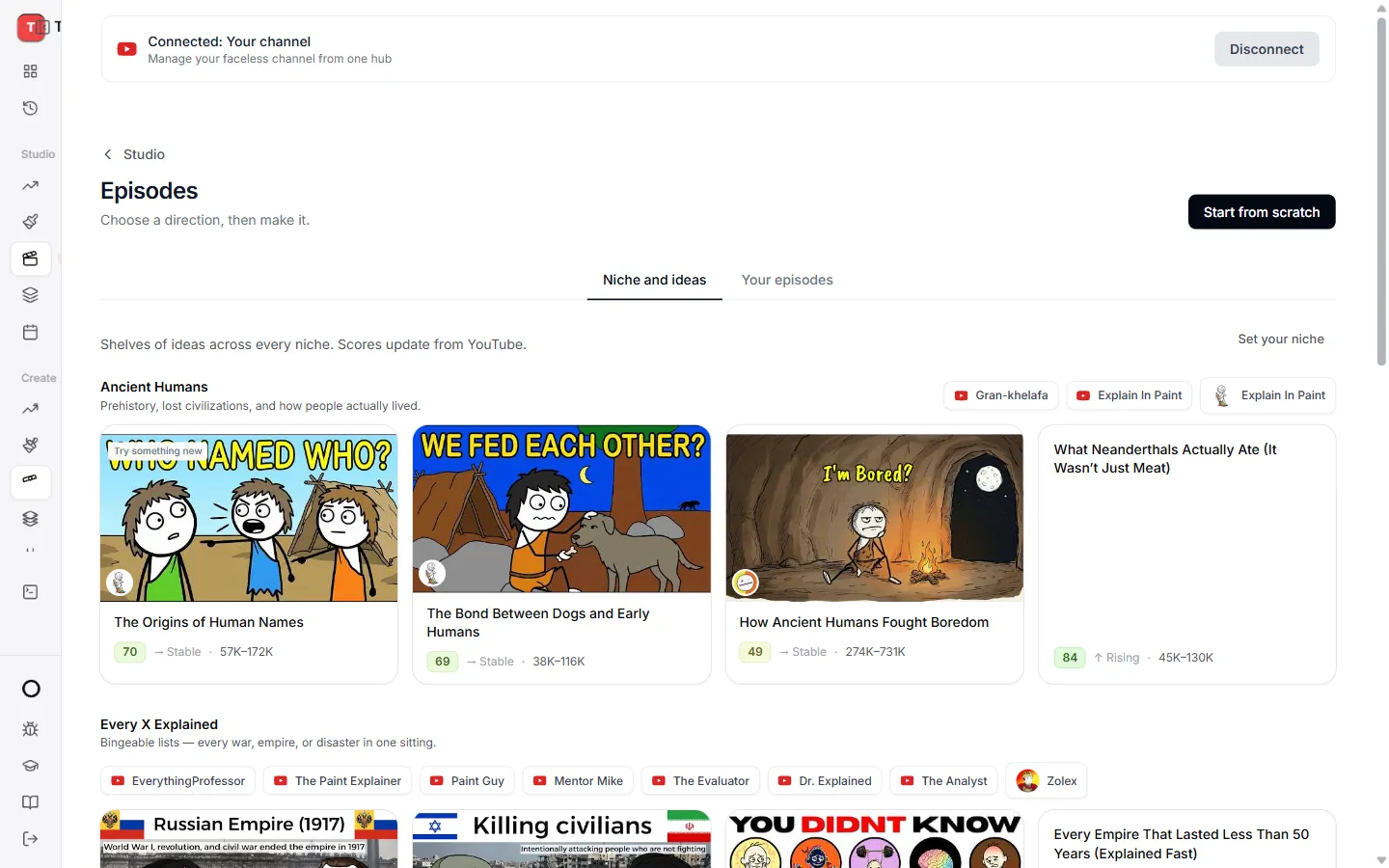
Long videos that can earn money on YouTube.
Post and grow
Connect your channel, schedule posts and look on brand.
2 min read
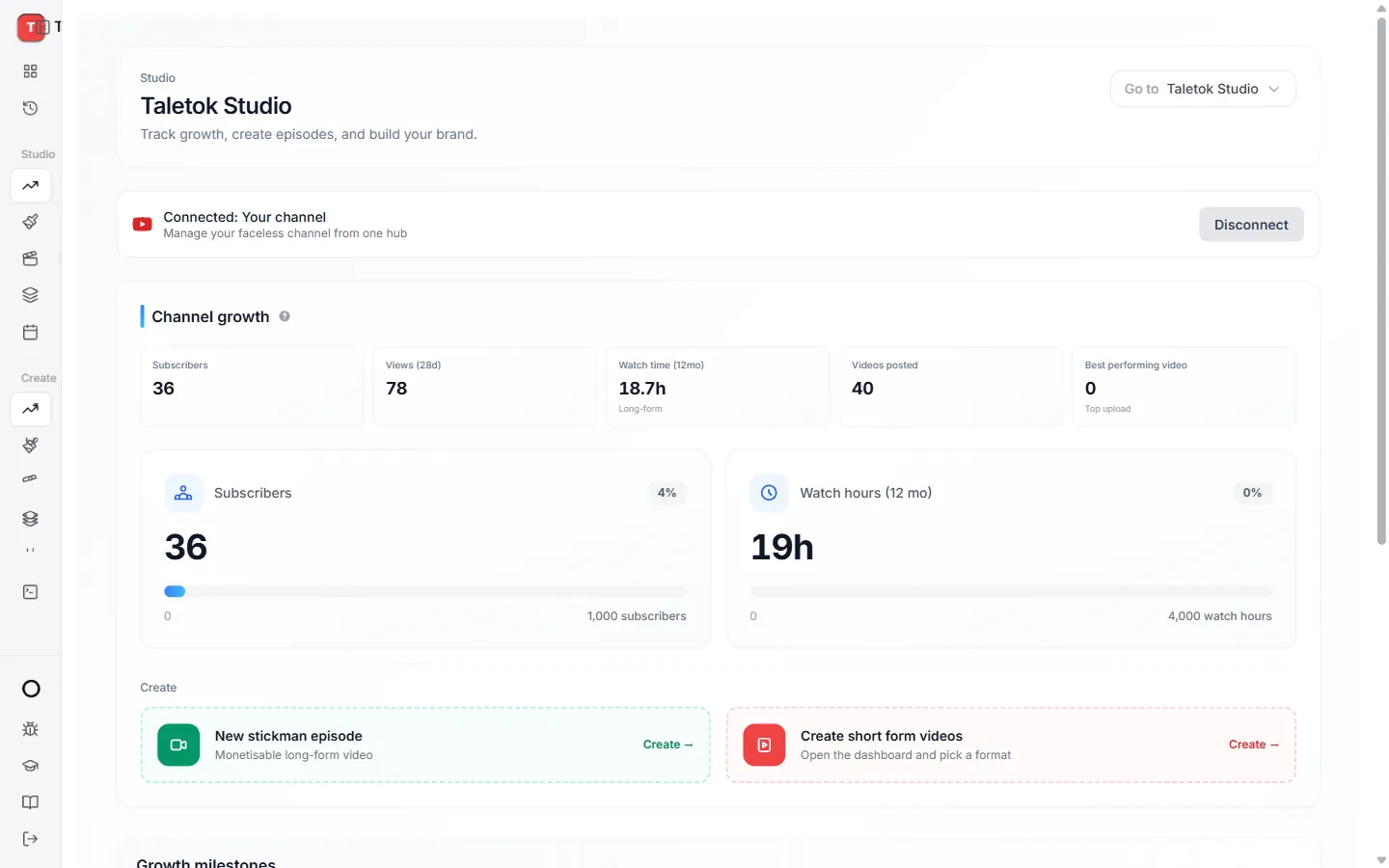
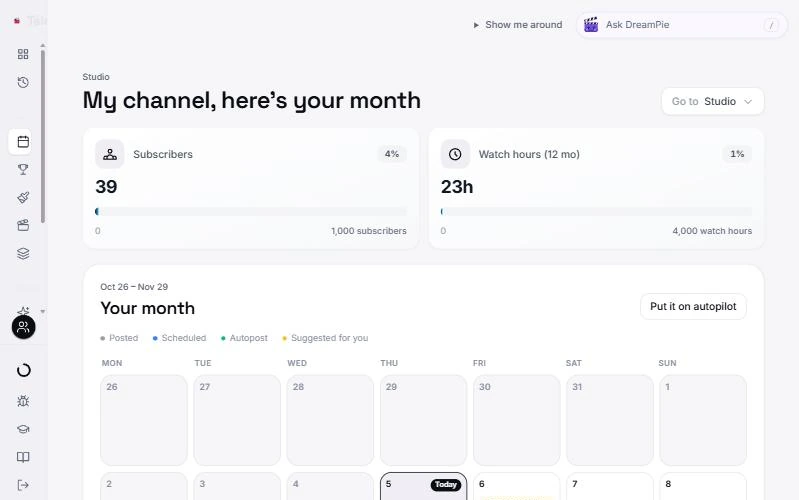
Connect your YouTube channel
Link your channel once to track growth and post videos straight from TaleTok.
2 min read
Schedule a finished video to YouTube
Pick a day and time and TaleTok posts your video for you.
3 min read
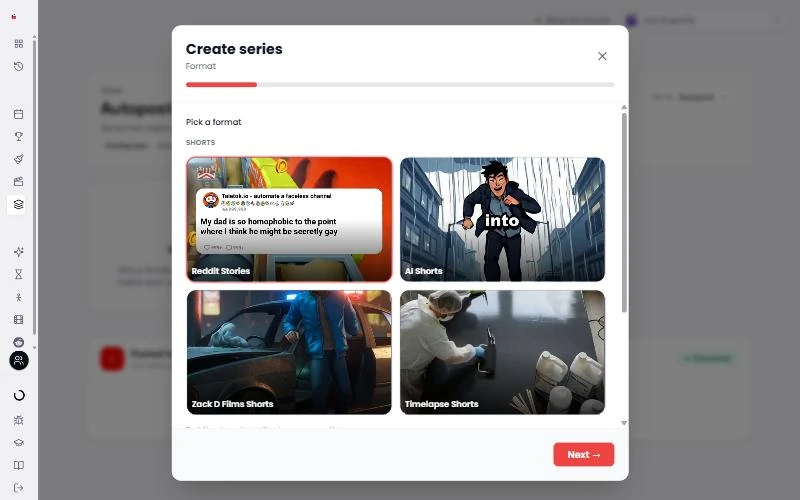
Autopost a series
Set up a series once and TaleTok makes and posts new videos on your schedule.
2 min read
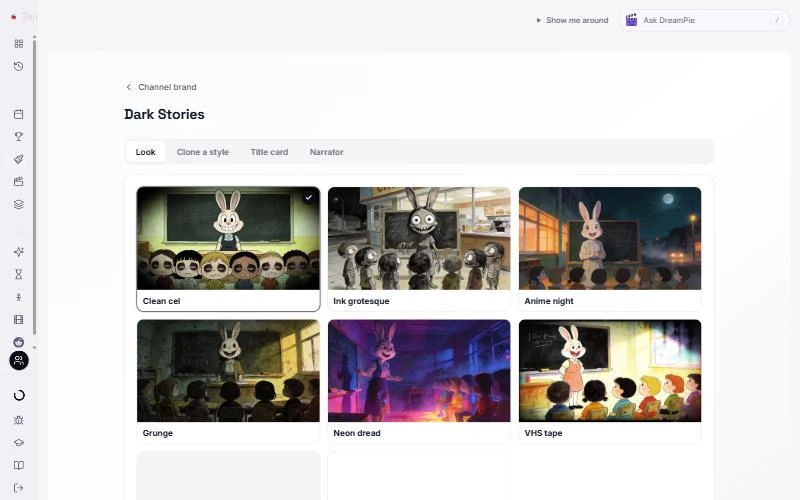
Make every video look on brand
Pick a format, then set its look, clone a style and choose your narrator.
2 min read
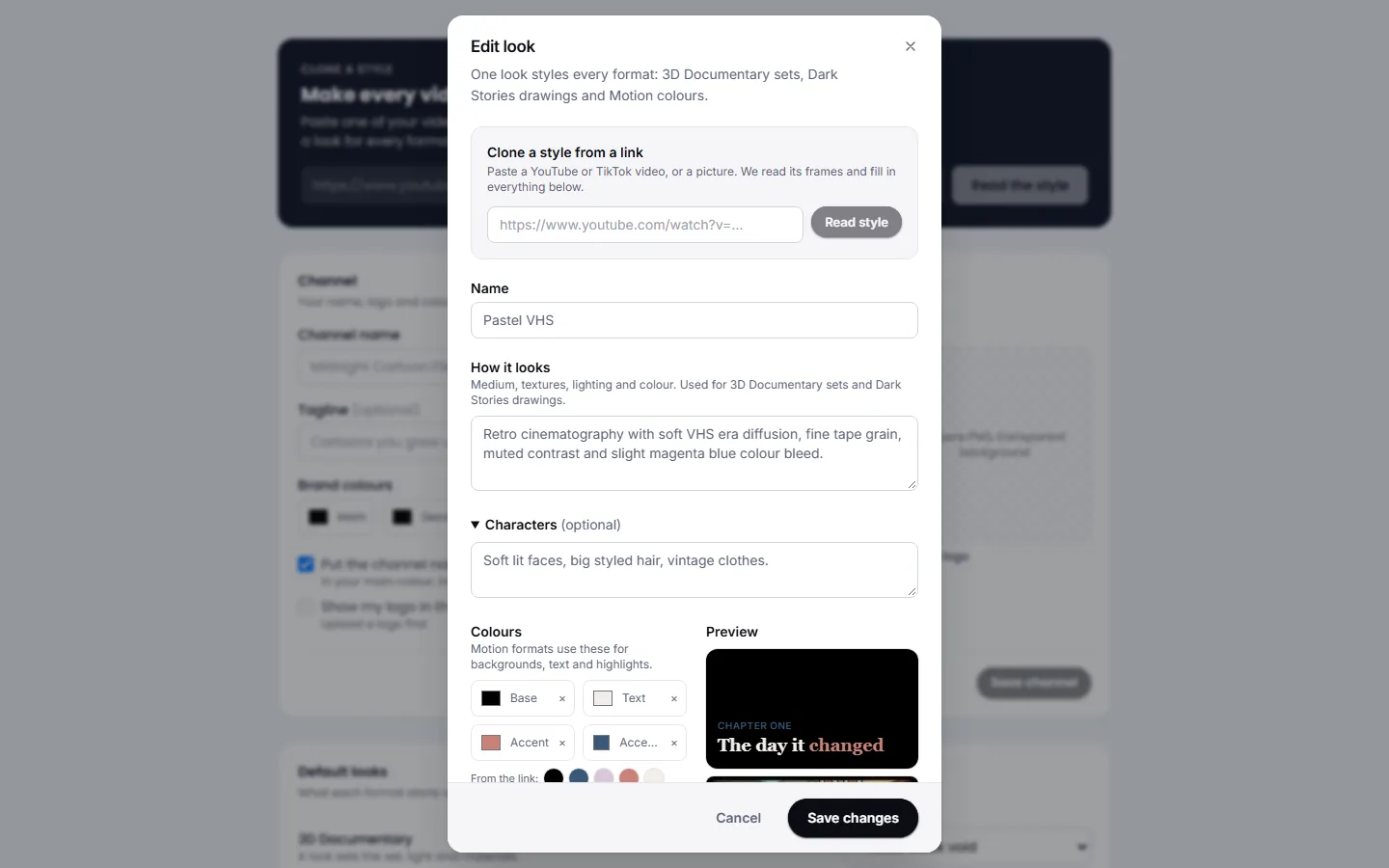
Clone a style from a video link
Paste a video or picture and TaleTok makes a look for the format you are setting up.
Help
What to do when something does not look right.