Studio and episodes4 min read
Start a long video episode
Pick a format, get a script and choose the style and voice for a video that can earn money.
Start an episodeEpisodes are long videos, several minutes each, made for channels that want to earn money on YouTube. Setting one up takes three steps: Format, Script and Style.
Open Episodes
In the sidebar, open Episodes under Studio.
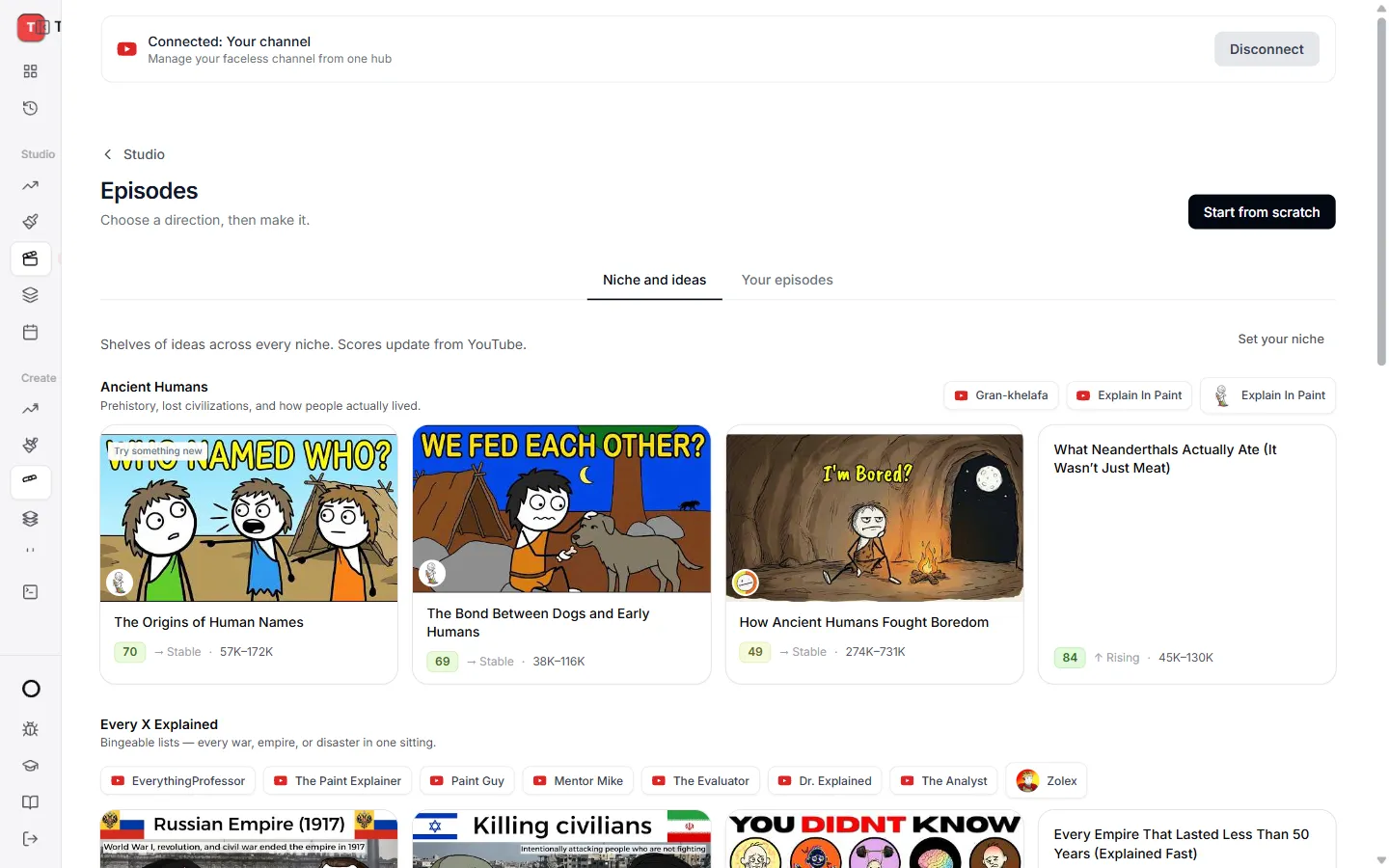
- Niche and ideas shows topics that are doing well right now. Open one to start from it.
- Your episodes shows everything you have made.
- Press Start from scratch to begin with a blank episode.
Step 1: Format
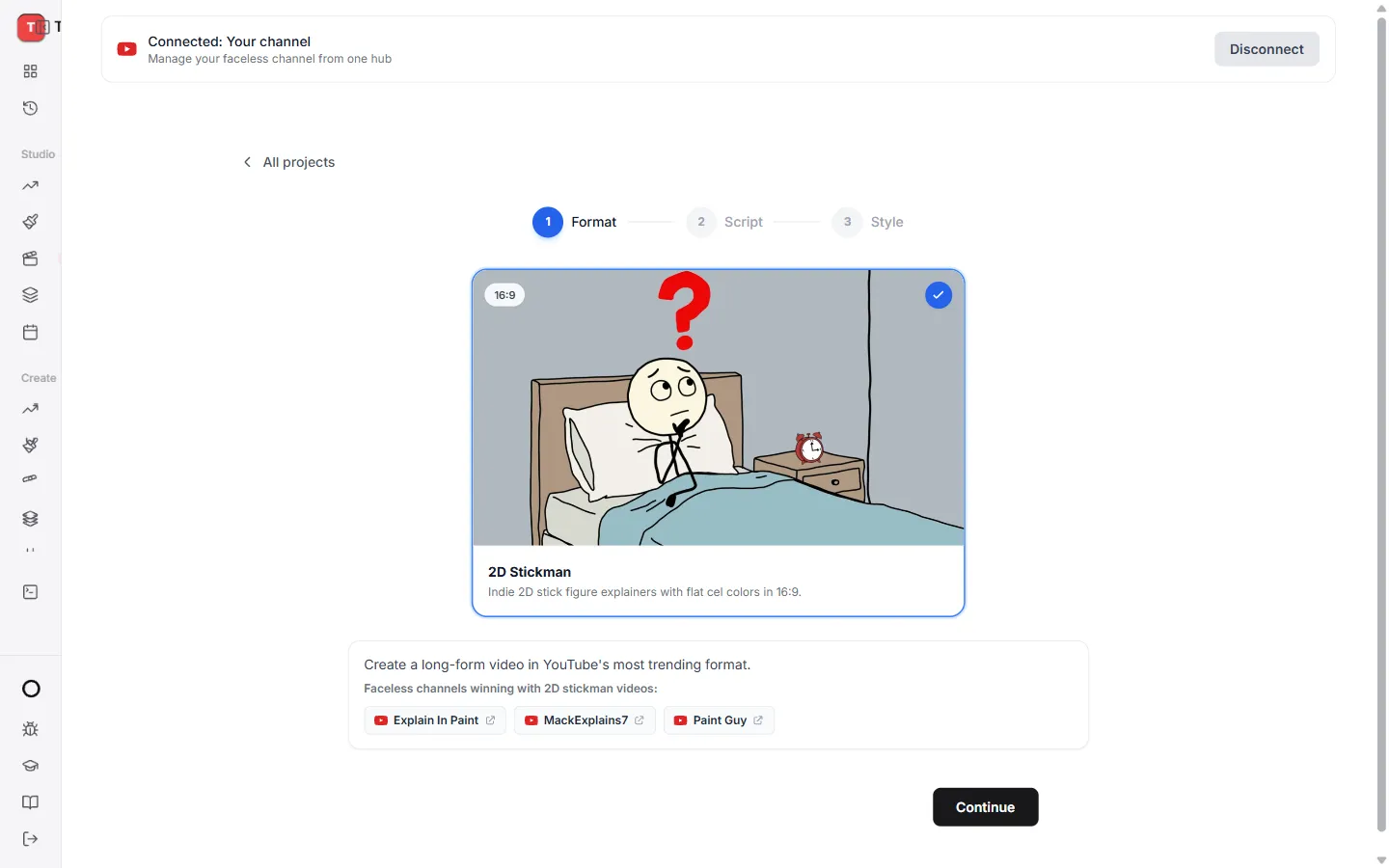
- 2D Stickman explains a topic with simple, friendly drawings.
Press Continue.
Step 2: Script
For 2D Stickman:
- Type your idea under What should the episode be about? and press Generate.
- Or press Create with AI for a full script.
- Found a video you like? Use Clone script from video to start from it.
Read the script and change anything you like. Press Continue.
Step 3: Style
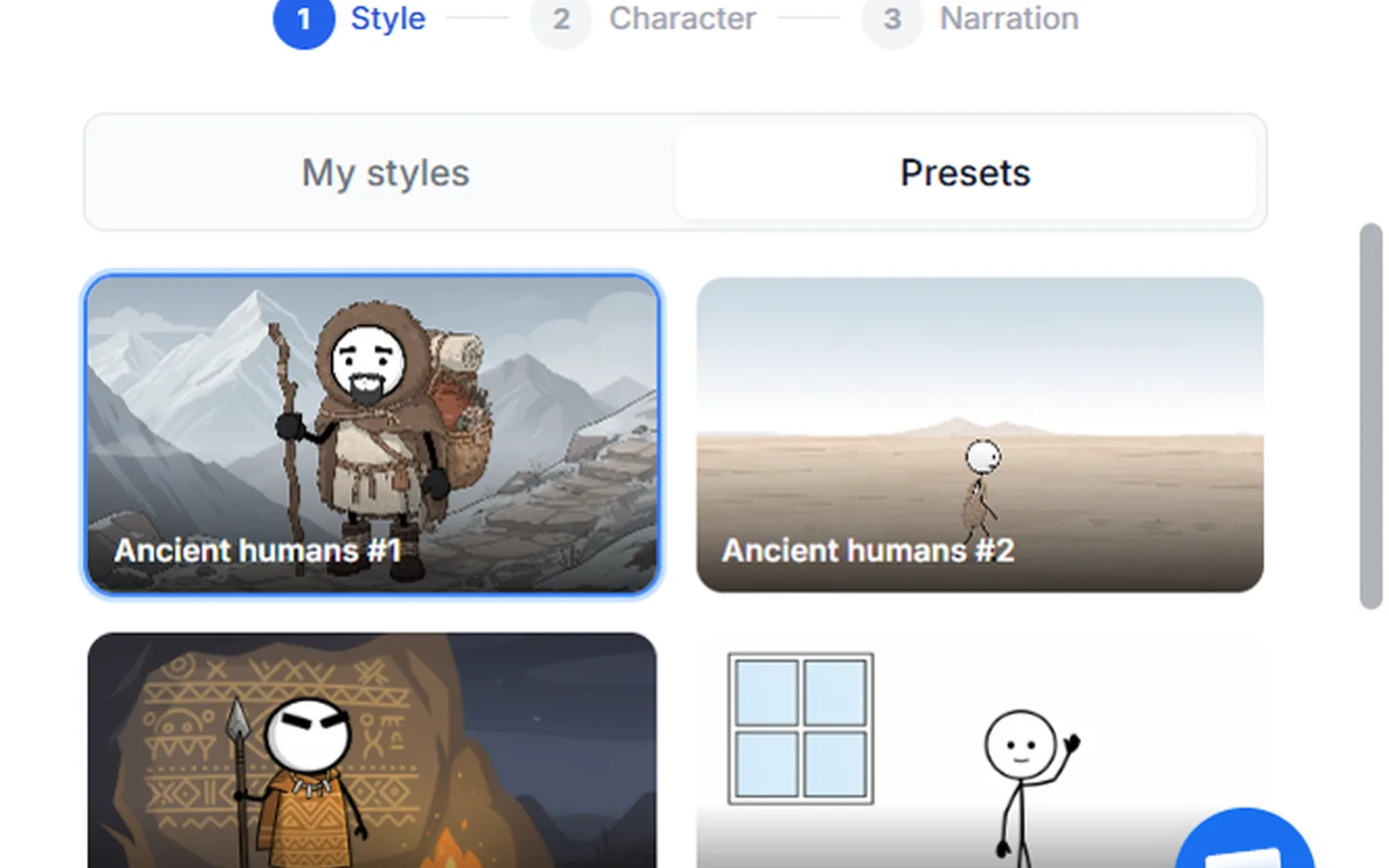
- Style. Pick the look of the pictures, and how often text appears in them.
- Character. TaleTok creates your main character. Press Regenerate for new options or Create your own.
- Narration. Pick the language and a voice. Voices marked Recommended suit this format. Press Browse all voices to hear more.
Press Create project. Your episode opens in the editor, ready for you to check the plan.
Next
Read Review and finish your episode to see what happens next.
Keep learning
2 min read
Connect your YouTube channel
Link your channel once to track growth and post videos straight from TaleTok.
3 min read
Make your first video
Pick a format, add a script and get a finished short in a few minutes.
3 min read
When something does not look right
What to do if a video stops, a scene looks wrong or you cannot find your work.
6 min read
Make a Zack D Films short step by step
Pick your character, check every frame and clip, then finish a cinematic 3D short.