StreamLadder Alternatives: 4 Tools Priced for 2026
StreamLadder alternatives split by one question. Do you have a stream to clip? We priced Opus Clip, Eklipse and Taletok against StreamLadder's live plans.
November 3, 2026 · 7 min read

Author
codeBeboo
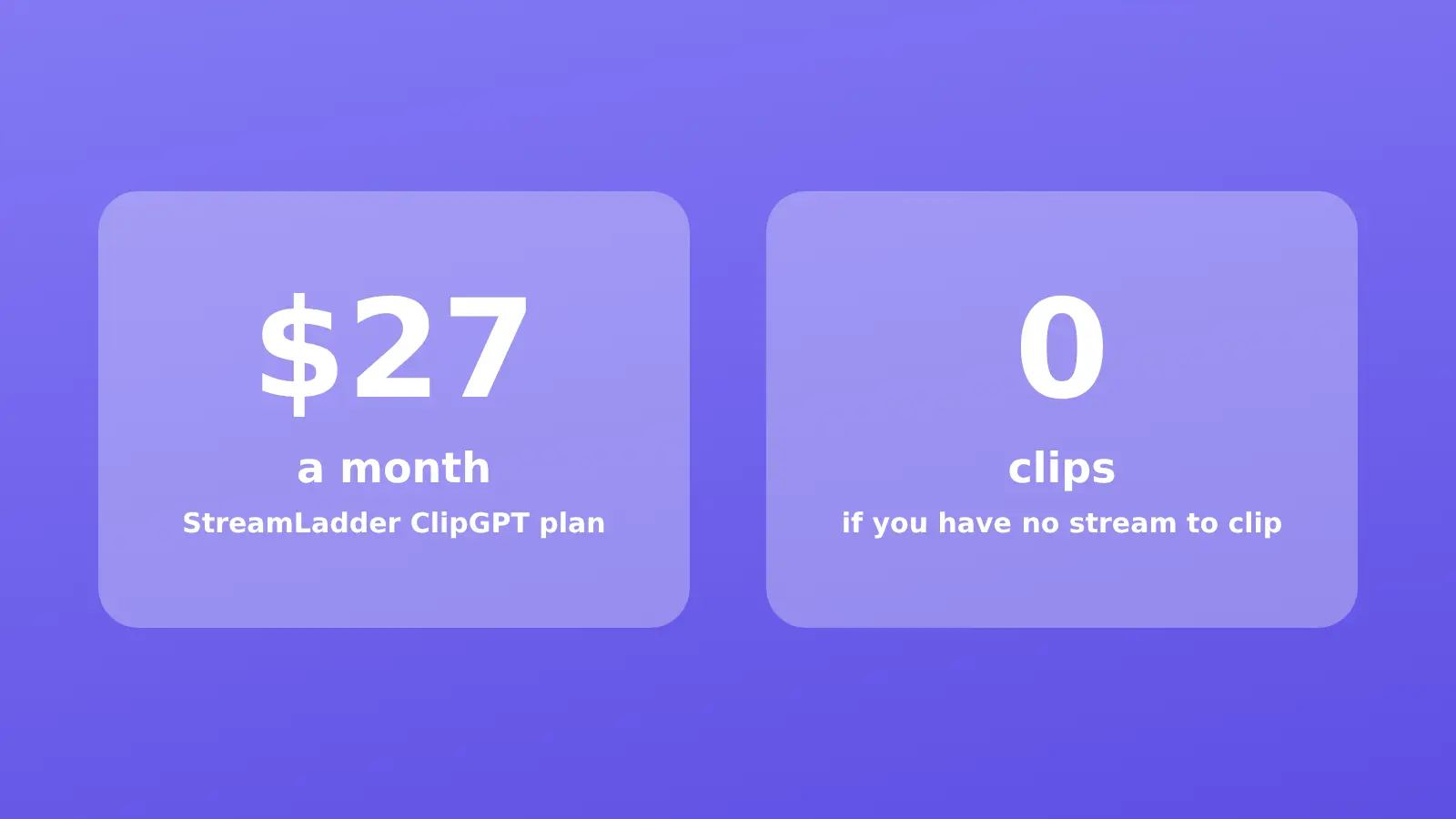
Most StreamLadder alternatives lists compare clipping tools against each other and skip the question that decides the whole thing: do you actually have a stream to clip? StreamLadder turns Twitch and Kick footage into vertical shorts. If that footage does not exist, no plan on its pricing page can help you.
Below are StreamLadder's real plans, copied from its pricing page on 3 November 2026, then four alternatives sorted by the problem you are trying to solve.
What StreamLadder actually is
StreamLadder is a browser clip editor built for streamers. You paste a Twitch, Kick, YouTube or Trovo clip, reframe the facecam and gameplay into a 9:16 vertical layout, add captions, and export for TikTok, YouTube Shorts and Instagram Reels. Around that core sit a scheduler, a montage maker, an emote maker, a Twitch schedule maker and a clip downloader.
The headline AI feature is ClipGPT. It scans a full VOD, picks the funny reactions and clutch plays, and returns up to 30 edited clips per stream. ClipGPT imports from Twitch and Kick, or from an upload of up to 10 GB.
One oddity. The homepage says 12 million clips were made by 1 million streamers. The pricing page, a click away, says "join over 300k creators". Both figures are StreamLadder's own.
StreamLadder pricing and plans
| Plan | Monthly | Export | What it adds |
|---|---|---|---|
| Free | $0 | 720p, 30 fps, 200MB uploads | Clip editor, converter, downloader |
| Starter | $15 | 1080p, 60 fps, 2GB uploads | Captions, effects, post and schedule to socials |
| Creator | $27 | 1080p, 60 fps | Unlimited ClipGPT, up to 30 clips per stream, auto hooks and hashtags |
| Pro | $39 | 4K, 60 fps | Invite editors, post to X, Auto Pilot (marked "Soon") |
Yearly billing gives you two months free, and new accounts get a 7 day trial. My opinion: the free tier is genuinely useful for a streamer converting one clip a week, and 720p is the price of that. The plan most people actually want is Creator, because ClipGPT is the reason to pay at all. Treat $27 a month as the real StreamLadder price.
Auto Pilot, the feature that would find, edit and post clips after every stream without you touching anything, is still listed as coming soon on the $39 plan. Do not pay for Pro on the strength of it.
Why people look for a StreamLadder alternative
Three groups land on this search, and they need different answers.
Streamers who want better AI picks. StreamLadder's own plan table lists transcript search for moments like "haha" and "rofl", which hints at how it ranks: a quiet clutch play in a silent match gives it less to find. These people want a different clipping model, not a different category.
Clippers working other people's streams. If you cut streamer VODs for Whop clipping campaigns, you pay per view, not per clip. Volume and speed matter more than the polish of the editor.
People with no stream at all. Every comparison on this search ignores them. They saw a gaming short go viral and want the same results. StreamLadder needs source footage, so the only thing it can do for them is edit someone else's.
Four StreamLadder alternatives, matched to the problem
Opus Clip, for long videos that are not streams
Opus Clip does what ClipGPT does, but for podcasts, interviews and talking head videos rather than Twitch VODs. It scores each clip with a Virality Score and adds animated captions in 20+ languages.
Pricing: Free with 60 credits a month and 1080p clips. Starter is $15 a month, monthly only, with 150 credits. Pro is $29 a month, or $14.50 a month billed yearly at $174, with 300 credits that roll over for 2 months and a 2 seat workspace.
Weakness: it is tuned for speech. Gameplay with no commentary gives it very little to score.
Eklipse, for gamers who want a gaming specific model
Eklipse is the closest like for like swap. It connects to Twitch, YouTube, Kick and Facebook, says it supports 3,000+ games, and lets you say "clip it" to mark a moment without stopping gameplay. Its own page cites a 4.8 rating from 973 Trustpilot reviews.
Pricing: Eklipse did not show plan prices on its public pricing page when I checked, so I am not going to quote a number. Check it yourself before you compare.
Weakness: like StreamLadder, it is worthless without a stream behind it.
Taletok, for when there is no stream to clip
This is the honest pitch, and it only fits one of the three groups. Taletok does not clip. It generates the whole video from a topic: script, AI voiceover, visuals, captions, then posts to YouTube on a schedule you set. Formats include Reddit stories over gameplay, Zack D Films style 3D shorts, 4chan greentext, true crime and POV.
If the reason you looked at StreamLadder was "I want a channel full of gaming shorts," a Reddit story narrated over parkour footage is the faceless version of that, and it needs zero hours on stream. The faceless reels generator is the fastest way to see a finished one.
Pricing: $27 Starter (100 minutes of content a month), $47 Pro (500 minutes), $77 Optimum (1,000 minutes). Channel Year billing halves those to $13.50, $23.50 and $38.50 a month. Every new account gets 2 free videos with no card.
Weakness: if you stream and want clips of yourself, Taletok is the wrong tool. Stay with a clipper.
A free downloader plus CapCut, for one clip a week
If you only post occasionally, the paid tools are overkill. Grab the clip, crop it to 9:16 in CapCut, add captions, upload. Our free TikTok downloader covers the grab step for TikTok sources, and the YouTube Shorts aspect ratio guide covers the crop. StreamLadder's own free tier does this too, at 720p.
Side by side
| Tool | Needs your own footage | Cheapest paid plan | Auto posting | Best for |
|---|---|---|---|---|
| StreamLadder | Yes (Twitch, Kick, upload) | $15/mo | Schedule on Starter, Auto Pilot "Soon" | Streamers |
| Opus Clip | Yes (any long video) | $15/mo | Not checked | Podcasts, talking head |
| Eklipse | Yes (stream) | Not published | Queue and post | Gaming streamers |
| Taletok | No | $27/mo | YouTube autoposting | Faceless channels |
Which one to pick
If you stream, the choice is between StreamLadder's $27 Creator plan and Eklipse, and you should run one VOD through both trials and keep whichever picked better moments. That test takes an afternoon and beats any review.
If you do not stream, stop shopping for clippers. A faceless format will get you posting this week, and how to start a faceless YouTube channel covers the setup. Then read how to make viral YouTube Shorts before the first upload, because the hook in the first two seconds matters more than any tool on this list.
FAQ
Is StreamLadder free?
Yes, with limits. The free plan includes the clip editor, converter and downloader, but exports top out at 720p and 30 fps, and uploads are capped at 200MB. Captions, scheduling and 1080p start on the $15 Starter plan.
What is StreamLadder ClipGPT?
ClipGPT is StreamLadder's AI clipper. It scans a whole Twitch or Kick stream, finds highlights, and returns up to 30 edited vertical clips with captions, hooks and hashtags. It needs the $27 a month Creator plan.
Does the StreamLadder clip downloader work for YouTube and Kick?
StreamLadder says its clip downloader handles Twitch, YouTube and Kick clips in HD, and it is included on the free plan.
What is the best StreamLadder alternative for TikTok?
For streamers, Eklipse, because it is built around gaming footage. For anyone without a stream, a generator like Taletok, because it makes the video from scratch rather than needing a clip to edit.
Can StreamLadder post automatically after a stream?
Not yet. Scheduling to TikTok, YouTube, Instagram and Facebook works from the Starter plan, but the fully automatic Auto Pilot mode is listed as coming soon on the Pro plan.
Continue reading
In this guide series
Ready to put this into practice?
Faceless reels generatorRead more

What Is a Faceless YouTube Channel? Formats and 2026 Rules
A faceless YouTube channel never shows the creator on camera. Here are the 6 formats, what each costs, and the monetisation rule that catches most of them.
YouTube automation tools in 2026, priced and compared
The YouTube automation tools worth paying for in 2026, with real October prices, what each one actually automates, and what a 3 video a week channel costs.

How to Make a Stickman Animation (by Hand vs with AI)
How to make a stickman animation in 2026: frame by frame in Pivot Animator or FlipaClip, or with AI. Honest time and cost for each, and which suits your goal.

VEED Alternatives: The Monthly Price Is Actually $25
VEED's pricing card shows about $12 a month. That figure is the year divided by 12. Creator is $25 monthly, and a free export keeps the watermark.